Bulldozer options
This page provides a comprehensive reference of all available parameters in Bulldozer.
These options allow users to control the behavior of the processing pipeline, adapt the tool to different types of input data, and fine-tune the DTM extraction results.
Quick Navigation
Options
- generate_ndsm
- max_object_size
- ground_mask_path
- activate_ground_anchors
- nb_max_workers
- developer_mode
Expert Options
- reg_filtering_iter
- dsm_z_accuracy
- max_ground_slope
- prevent_unhook_iter
- num_outer_iter
- num_inner_iter
- mp_context
- intermediate_write
Options
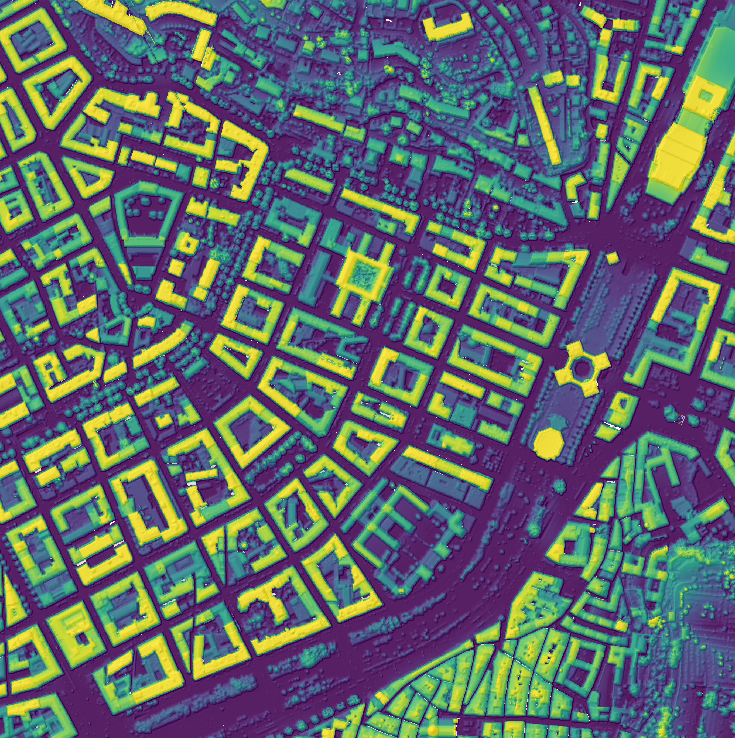
generate_ndsm
Description: Generate the Digital Height Model (nDSM = DSM - DTM)
Example
- generate_ndsm = True
max_object_size
Description: Maximum size of foreground objects (in meters)
Examples
- Example 1: max_object_size = 8
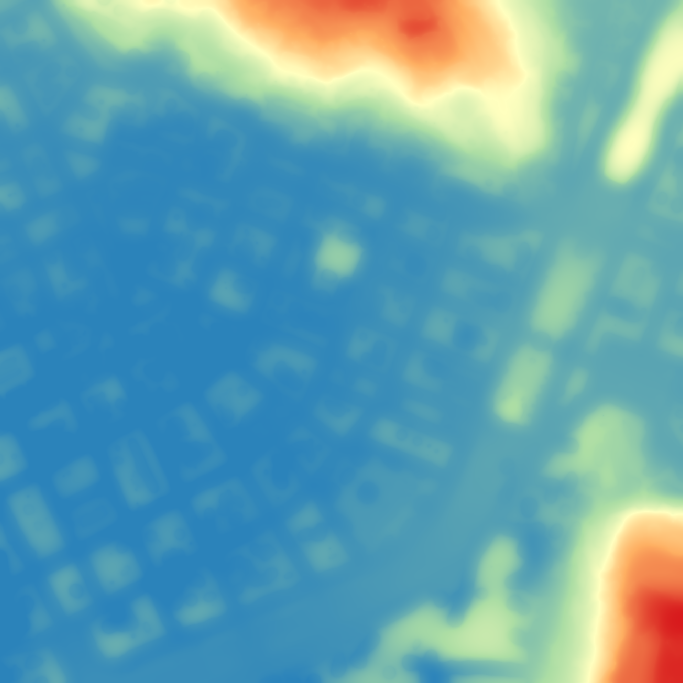
- Example 2: max_object_size = 16

- Example 3: max_object_size = 32

ground_mask_path
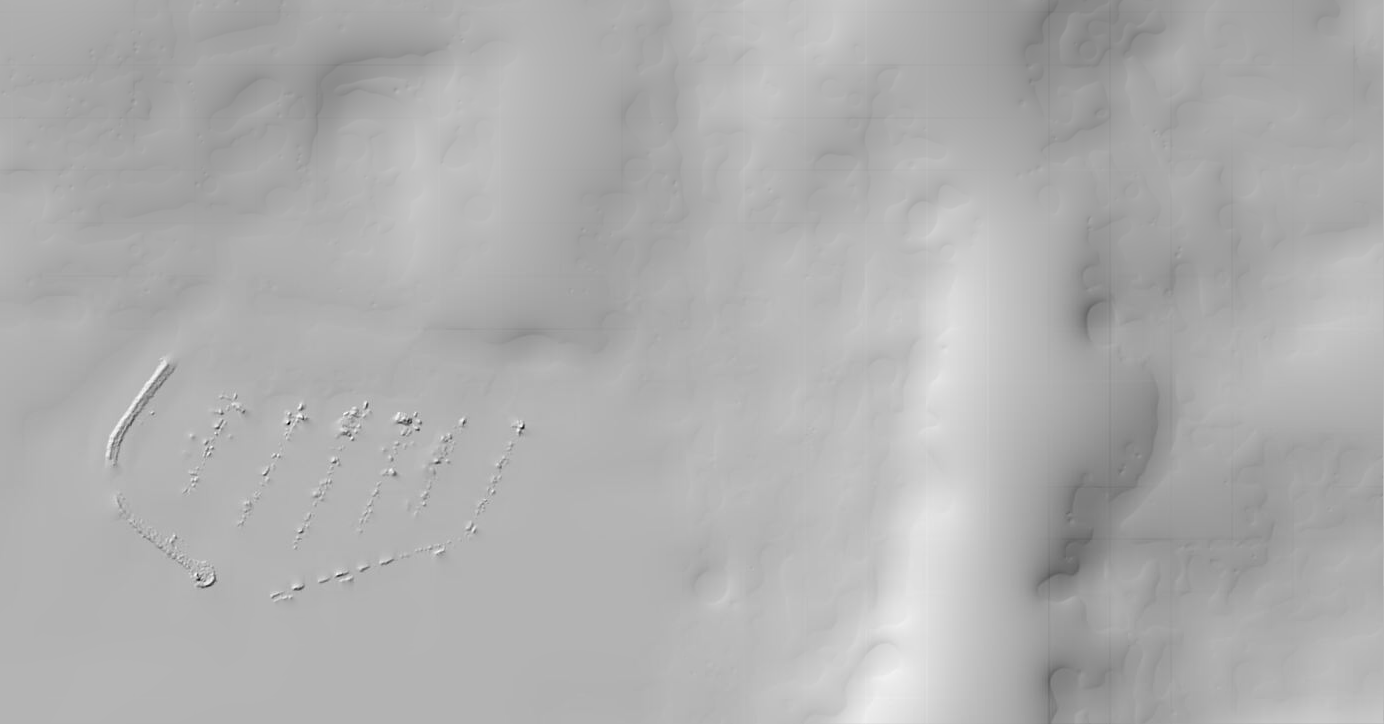
Description: Path to the binary ground classification mask
Example
- Example of ground mask

- Dtm without ground mask

- Dtm with ground mask
activate_ground_anchors
Description: Enable ground anchor detection
Examples
- Example 1: activate_ground_anchors = True

- Example 2: activate_ground_anchors = False
nb_max_workers
Description: Maximum number of CPU cores to use
developer_mode
Description: Keep intermediate results
Expert options
Warning
These parameters are intended for advanced users. It is recommended to keep the default values.
reg_filtering_iter
Description: Number of regular mask filtering iterations
dsm_z_accuracy
Description: Altimetric height accuracy of the input DSM
max_ground_slope
Description: Maximum slope of the terrain
prevent_unhook_iter
Description: Number of unhook iterations
num_outer_iter
Description: Number of gravity iterations
num_inner_iter
Description: Number of tension iterations
mp_context
Description: Multiprocessing context
intermediate_write
Description: Write intermediate results to disk