Bulldozer Outputs
This page describes the different outputs generated by Bulldozer and how to interpret them.
Quick Navigation
Default outputs
Optional outputs
Developer outputs
Default outputs
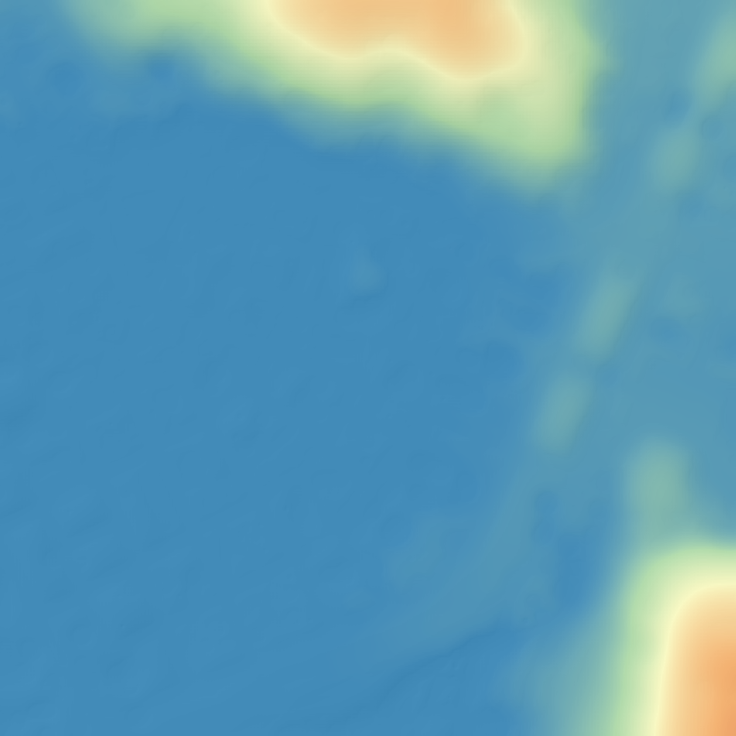
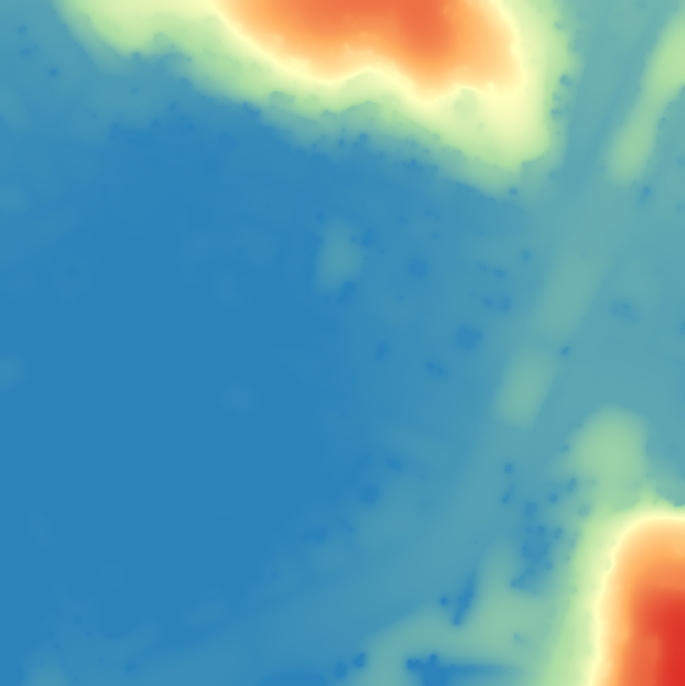
DTM
DTM generated by bulldozer
Masks
Border_no_data
Binary mask flagging the nodata points on the edges.

Inner_no_data
Binary mask flagging the nodata points that aren't on the edges.

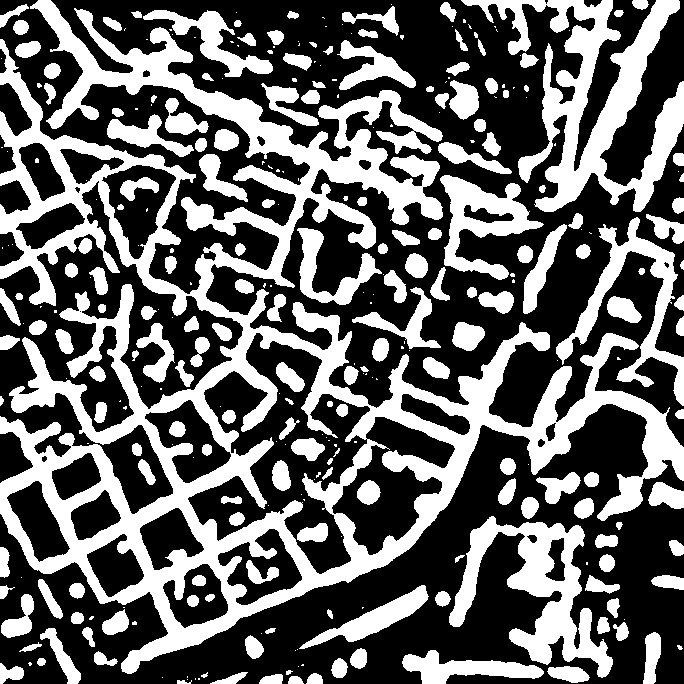
Filled_pits
The DTM generated by Bulldozer may contain pits. Binary mask flagging pits filled by the fill pits process in Bulldozer.
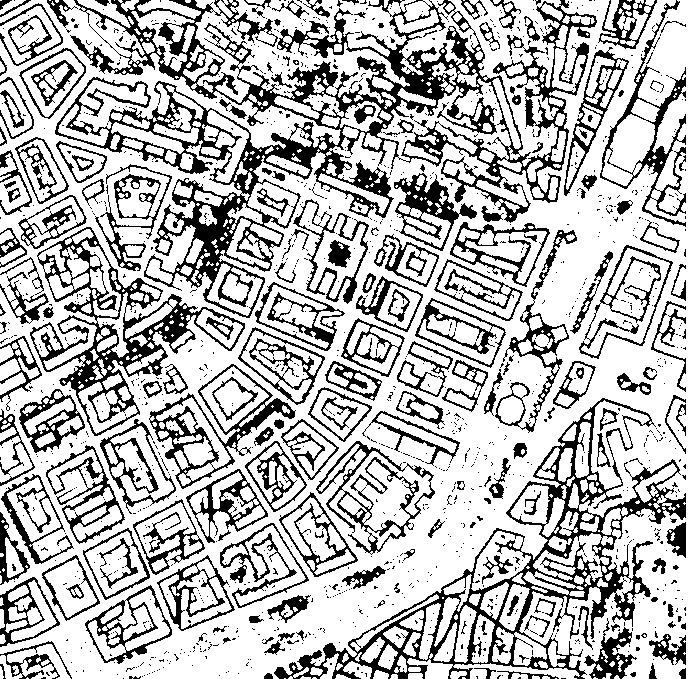
Regular_mask
Binary mask flagging regular areas location in the provided DSM after a binary opening.
Logs
Log file, summarises the parameters and processes used.
Optional output
nDSM
Raster file, Digital Height Model (nDSM = DSM − DTM)

Developer outputs
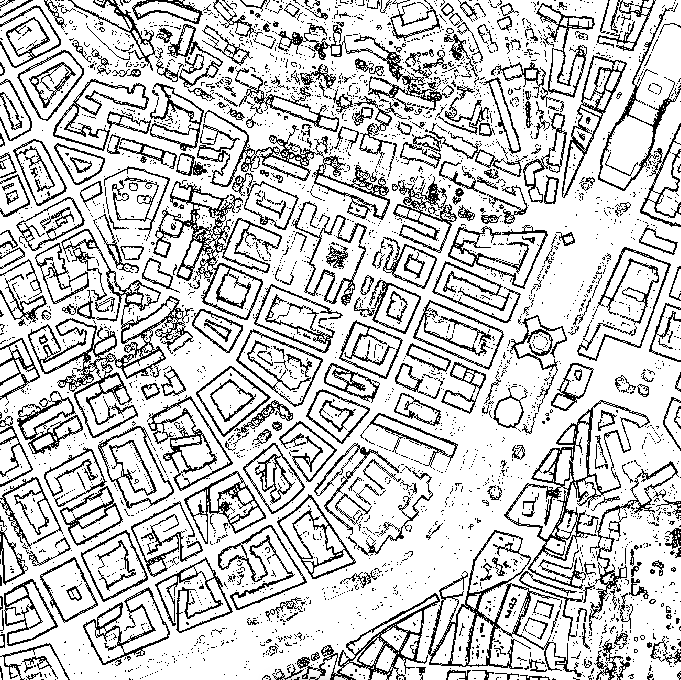
Raw_regular_mask
Binary mask flagging regular areas location in the provided DSM without any morphological operation (opening/closing).
Filling_dsm folder
This folder contains the DSMs generated at the various stages of the filling process
Filled_dsm
Allows you to fill in missing data in the MNS
- Example of a DSM to be filled

- Example of a filled DSM

Dtm_second_pass
DTM before post-processing
Notes
Tip
Always visually inspect both DTM and nDSM to validate results.
Warning
Output quality strongly depends on input DSM quality and parameter settings.