From LiDAR data to Digital Terrain Model (DTM)
This section illustrates the use of Bulldozer from an open data point cloud to the generation of the corresponding DTM.
You can find the corresponding tutorial in notebook format here.
Prerequisites
To run this tutorial, you require Python (version higher than 3.10) and an Internet connection.
Data downloading and pre-processing
First of all, we'll start by creating a space to store the data for this tutorial and its associated virtualenv:
# Create the working directory
mkdir bulldozer_LiDAR_tuto && cd "$_"
# Create the virtual environment
python -m venv bulldozer_venv
source bulldozer_venv/bin/activate
We're going to download data from the IGN (French National Geographical Institute) LiDAR HD mission website : https://geoservices.ign.fr/lidarhd
The aim of this mission is to produce a 3D map of the whole of France and make it available in open data format. In particular, it provides surface data in point cloud format. In this tutorial we will use data from Nice:
wget https://storage.sbg.cloud.ovh.net/v1/AUTH_63234f509d6048bca3c9fd7928720ca1/ppk-lidar/SP/LHD_FXX_1044_6299_PTS_C_LAMB93_IGN69.copc.laz
Since Bulldozer only handles raster format Digital Surface Models (DSM), we need to convert the point cloud into a raster. For this tutorial we will use the cars-rasterize tool to perform this conversion:
# Installation
pip install cars-rasterize
# Run format conversion
las2tif LHD_FXX_1044_6299_PTS_C_LAMB93_IGN69.copc.laz dsm.tif
By checking the DSM metadata with the command gdalinfo dsm.tif, we observe it doesn't contain a Coordinate Reference System (CRS):
import rasterio
from rasterio.crs import CRS

with rasterio.open('dsm.tif', 'r+') as dataset:
    dataset.crs = CRS.from_epsg(2154) # This EPSG code correspond to the IGN Lambert-93
✅ Done! Our data is ready to be used with Bulldozer.
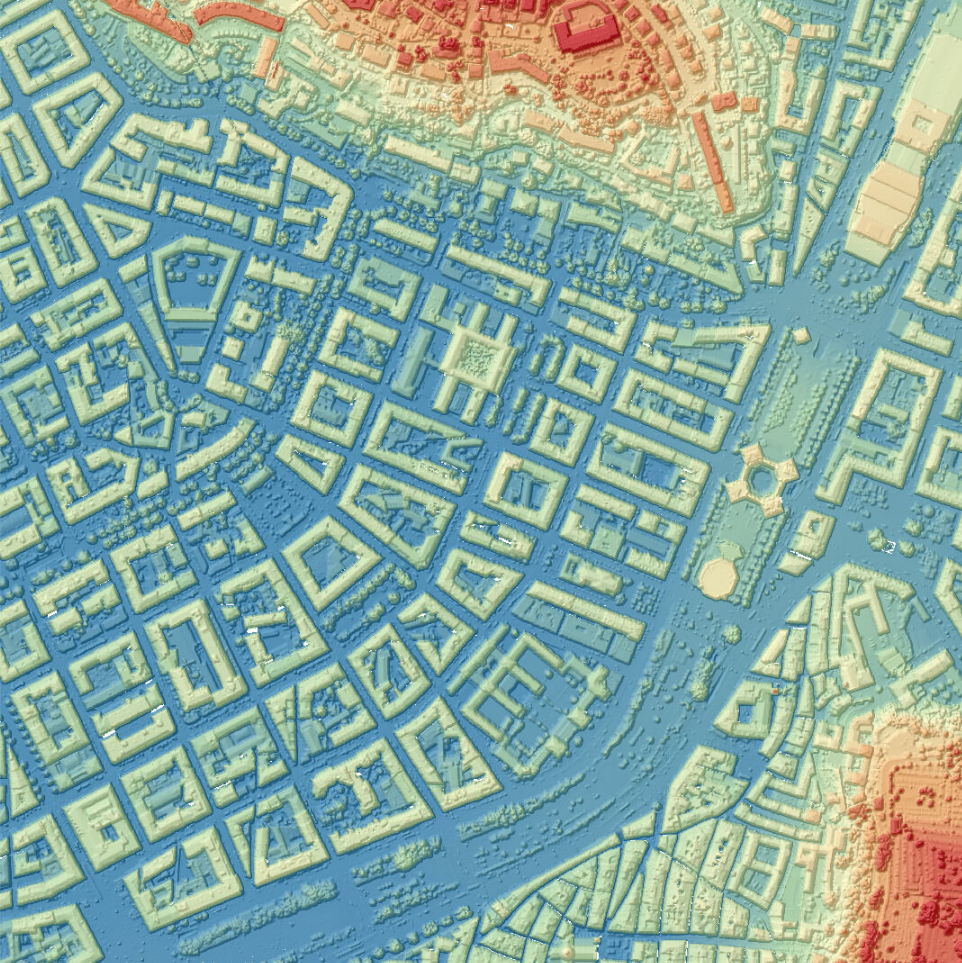
DTM extraction
Now that the data is ready, we can install Bulldozer with pip (for an alternative installation method, please refer to the corresponding section):
pip install bulldozer-dtm
In this tutorial we will use the Command Line Interface (CLI) of Bulldozer but there are several different ways of running it (for alternative launch method, please refers to the corresponding section):
bulldozer -dsm input_dsm.tif -out output_dir -ndsm
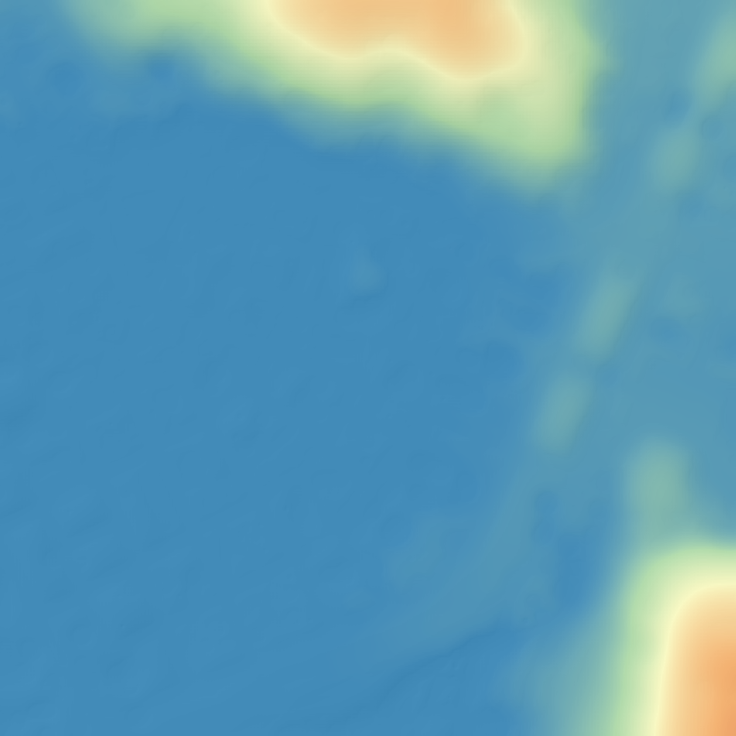
✅ Done! The resulting DTM is available in output_dir:
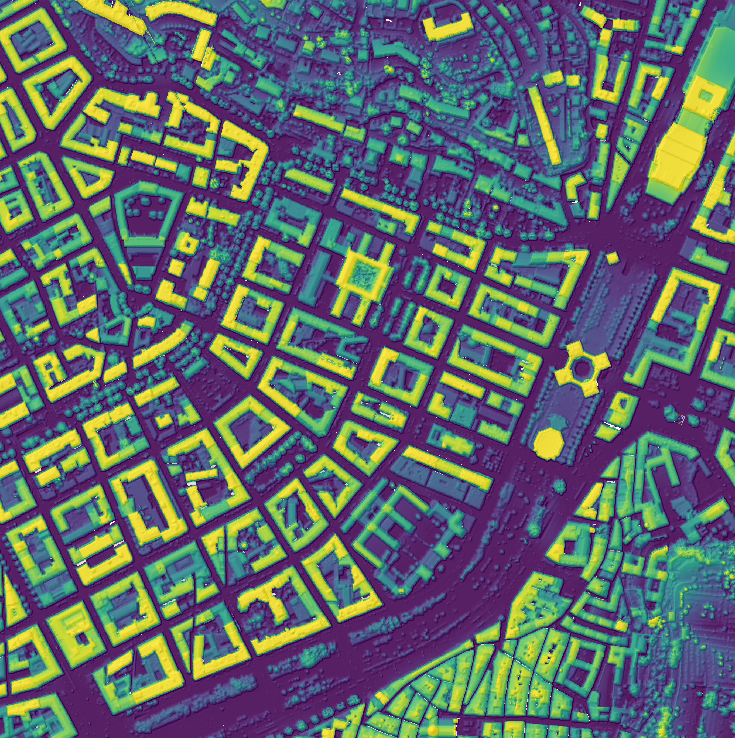
We can also observe the Digital Height Model (DHM), which represents the above-ground structures (buildings, vegetation, etc.) and ignores the topography:
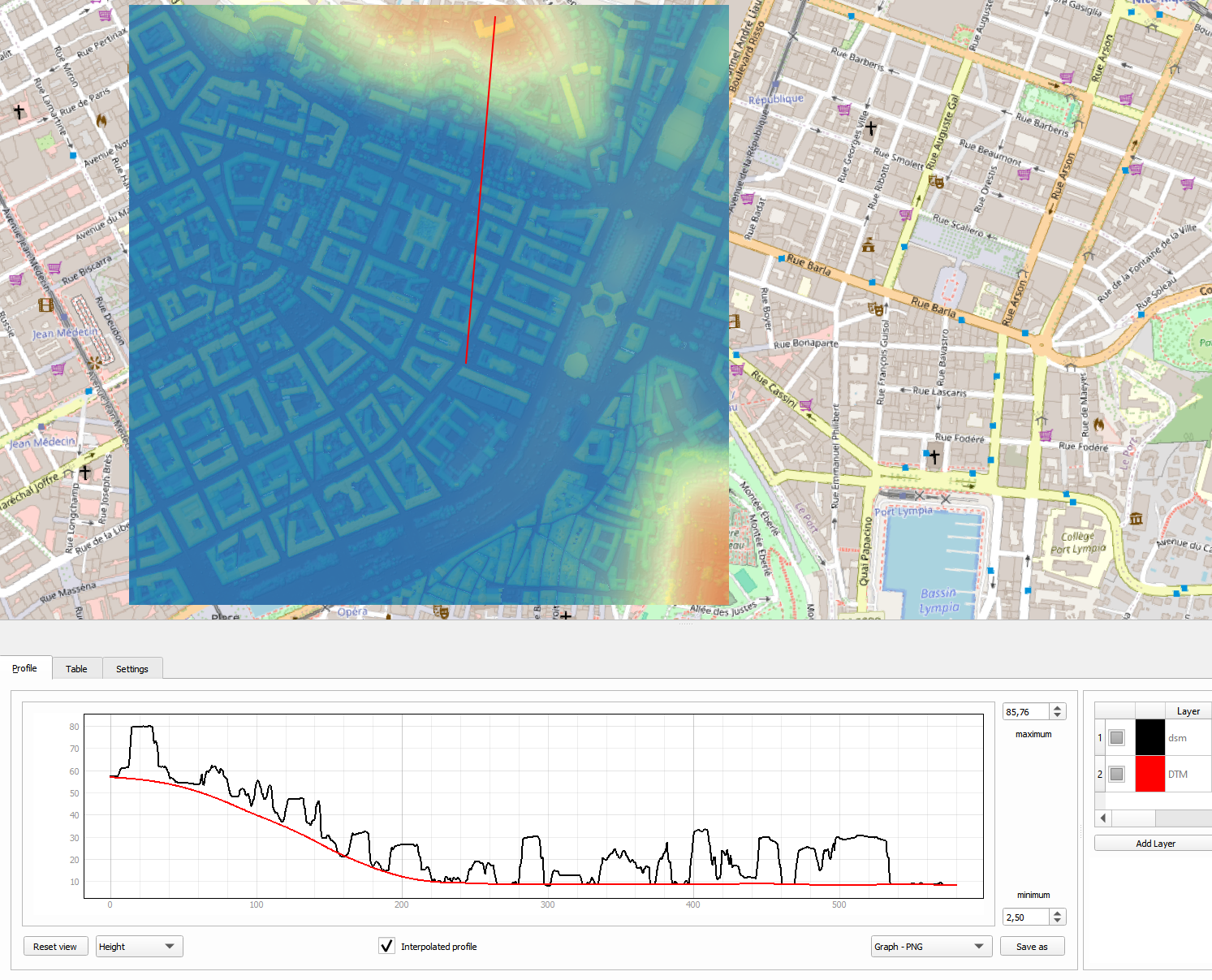
With tools like QGIS we can also draw profile to visualize the DTM (red line: DTM, black line: DSM):